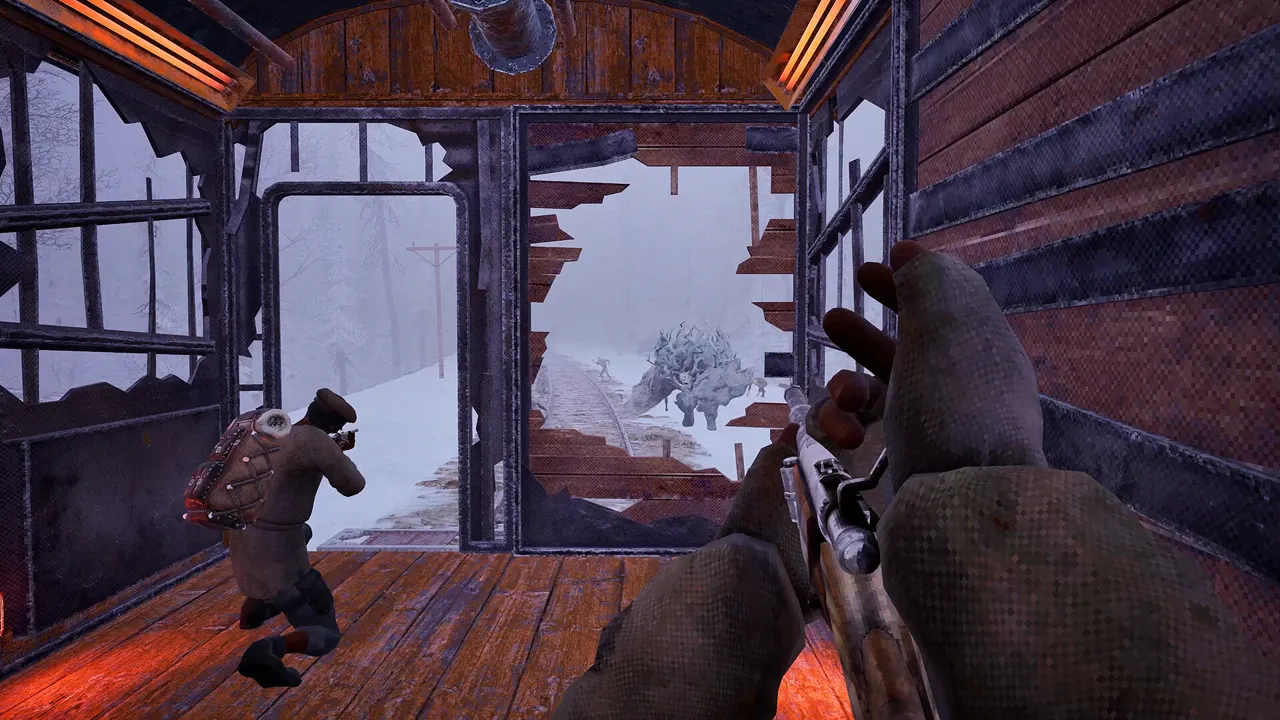
The strongest reversible workaround is to put the host and every friend on the same Steam Download Region, restart Steam, and join from Frostrail's in-game server list instead of Steam Overlay. A separate Reddit suggestion to use a VPN or match regions received a short player confirmation, but it does not say which option worked. No developer fix is public.
- Reported symptom
- Server visible, join fails
- Primary workaround
- Same Steam Download Region
- Join route
- In-game server list
- Follow-up evidence
- One short player confirmation on Reddit
- Steam Overlay
- Reported not to work for the Steam case
- Official fix
- Not published
Try these steps in order
- Choose one Steam regionOn every PC, open Steam Settings → Downloads → Download Region and select the same nearby region as the host.
- Restart SteamClose and reopen Steam so the region choice is applied consistently. Let Frostrail update before launching.
- Host a fresh sessionHave one player host, note the exact server name, and wait until it appears in the in-game list.
- Join inside FrostrailSearch the in-game server list. Do not rely on Join Game from Steam Overlay for this test.
- Check the Join controlIf the button is clipped or unreachable, temporarily lower resolution or UI/display scale. One thread participant associated the problem with display settings.
- Report the remaining failureCapture region, host location, server visibility, error text and whether the Join button reacted.
Evidence behind the workaround
The original Steam poster could find the friend's server, while the friend could see the host's server but could not join. A reply states that all players need the same Steam Download Region and that joining through Steam Overlay does not work. The thread also contains a less precise note about display graphics and the Join button.
In the Reddit playtest discussion, one player recommends either a VPN or matching Steam Download Regions; another replies that the suggestion worked. Because the confirmation does not identify which branch was used, it strengthens the general lead without proving that either step is universal.
Separate access problems from connection problems
A friend who does not have Frostrail Playtest in the Library still needs beta access or a Friend Invite. Region settings cannot grant access. Conversely, a friend who has installed the beta but cannot enter a visible server has a connection or UI problem, not an invitation problem.
Confirm both players launch the Playtest app, not only the retail store page, before changing network settings.
Safe escalation checklist
If the same-region test fails, relaunch both Steam and Frostrail, allow the game through the operating system firewall if prompted, and try a fresh host session. A VPN was mentioned in the Reddit suggestion, but it is not necessary to make that the first test and no provider or setup has official support.
Avoid disabling the firewall globally or forwarding random ports because no official Frostrail port list has been published.
Use the in-game bug report tool and the tester forum. Include whether the server appeared, which join surface was used and the exact stage at which it failed.
Frequently asked questions
Why can't my friend join my Frostrail server?
Current reports include a visible server that fails to join, mismatched Steam Download Regions and a Join button affected by display settings. These are community cases, not one confirmed root cause.
Should I join Frostrail through Steam Overlay?
The current Steam workaround says to use Frostrail's in-game server list because Overlay joining did not work for that group.
Do I need a VPN to join a Frostrail friend?
A Reddit comment mentions VPN or matching Steam regions, followed by a short success reply that does not identify which option worked. Try the same-region change first; no VPN method is officially supported.
Sources and context
Official material establishes game facts. Community threads are labeled because a player report is evidence of a question or workaround, not a developer guarantee.
- CommunityMy friend isn't able to join my server? — Steam Community. Accessed 2026-09-02.
- CommunityThe Frostrail Playtest is now live! — Reddit / r/Frostrail. Accessed 2026-09-02.
- OfficialFrostrail Closed Beta Launched! — Frostrail official Steam news. Accessed 2026-09-02.
- OfficialFrequently Asked Questions about Frostrail — FakeFish. Accessed 2026-09-01.
- OfficialFrostrail on Steam — FakeFish / Shiro Unlimited. Accessed 2026-09-02.